Content Calendar: Plan 30 Days of Posts in 2 Hours | Swastixa
Learn how to create a 30-day content calendar in just 2 hours. Proven framework for high-engagement social media posts without daily stress.

Introduction
It's Monday morning. You open Instagram to post something for your business. You stare at the blank screen. What should you post today? A product photo? A tip? A quote? Something about your weekend?.
You spend 45 minutes scrolling for inspiration, overthinking the caption, and finally post something generic. Tomorrow, you'll do it all over again.Sound familiar?.
Here's the truth: successful businesses don't create content day-by-day. They plan in batches, follow proven frameworks, and spend 2 hours once a month instead of 30 minutes every single day..
In this guide, we'll show you exactly how to plan 30 days of high-engagement social media content in one focused 2-hour session. No more daily stress, no more wondering what to post, no more inconsistent posting that kills your reach..
Why Most Businesses Fail at Consistent Social Media Posting
Let's talk about what actually happens when you don't plan content in advance..
You wake up Monday thinking I should post something today. Life gets busy. You forget. Tuesday comes, you post quickly. Wednesday you skip. Thursday you feel guilty and post twice. By Friday, you're exhausted and give up for the week.
But here's what most business owners don't realize: planning content isn't the hard part. It's sitting down to plan that feels overwhelming. Once you have a system—one that takes 2 hours once a month—content creation becomes automatic.
The 70-20-10 Content Framework That Actually Works
Before planning individual posts, you need a content framework. Without one, you'll either post too much promotional content (and lose followers) or too little (and never get inquiries) The 70-20-10 rule solves this perfectly:.
- 70% Educational/Helpful Content Tips, how-tos, industry insights, answers to common questions. This builds authority and keeps people following you.
- 20% Engagement/Brand Content — Behind-the-scenes, team stories, customer wins, company culture. This builds connection and trust.
- 10% Promotional Content — Direct offers, discounts, service promotions, contact us posts. This generates leads and sales.
This ratio keeps your feed valuable without feeling like a constant sales pitch. Your followers get value (70%), connect with your brand (20%), and know how to buy when ready (10%).
For a deeper look at building engagement on social platforms, check our complete social media management playbook for local businesses.
Step 1: Choose Your Content Pillars (15 Minutes)
Content pillars are the 3–5 main topics your business posts about repeatedly. They keep your content focused and make planning easier.
For example, if you run a digital marketing agency, your pillars might be:
- SEO & website optimization tips
- Social media strategy
- Paid advertising insights
- Client success stories
- Industry trends and updates
If you're an interior designer:
- 1. Design tips and inspiration
- 2. Project showcases
- 3. Material and color guides
- 4. Client testimonials
- 5. Behind-the-scenes process
Write down 3–5 pillars for your business. These become the foundation of everything you post.
Step 2: Create Your Content Categories List (20 Minutes)
Within each pillar, create specific content categories you can use repeatedly. This is where planning becomes simple—you're not inventing new ideas every month, you're cycling through proven categories.
Here are 15 content categories that work for most businesses:
- Quick tips (5-second actionable advice)
- Common mistakes (what people get wrong in your industry)
- Before/after (transformation posts with results)
- How-to tutorials (step-by-step processes)
- Client testimonials (video or text with photos)
- Behind-the-scenes (your team, workspace, process)
- Industry myths debunked (correct misconceptions)
- Tool/resource recommendations (what you use and why)
- Case study snippets (real project results)
- FAQ answers (questions customers ask repeatedly)
- Day-in-the-life (what your typical workday looks like)
- Trend commentary (your take on industry news)
- Customer wins (celebrating client results)
- Team spotlights (introduce team members)
- Challenges/quizzes (interactive engagement posts)
Pick 10–12 categories that fit your business. These become your repeating post types.
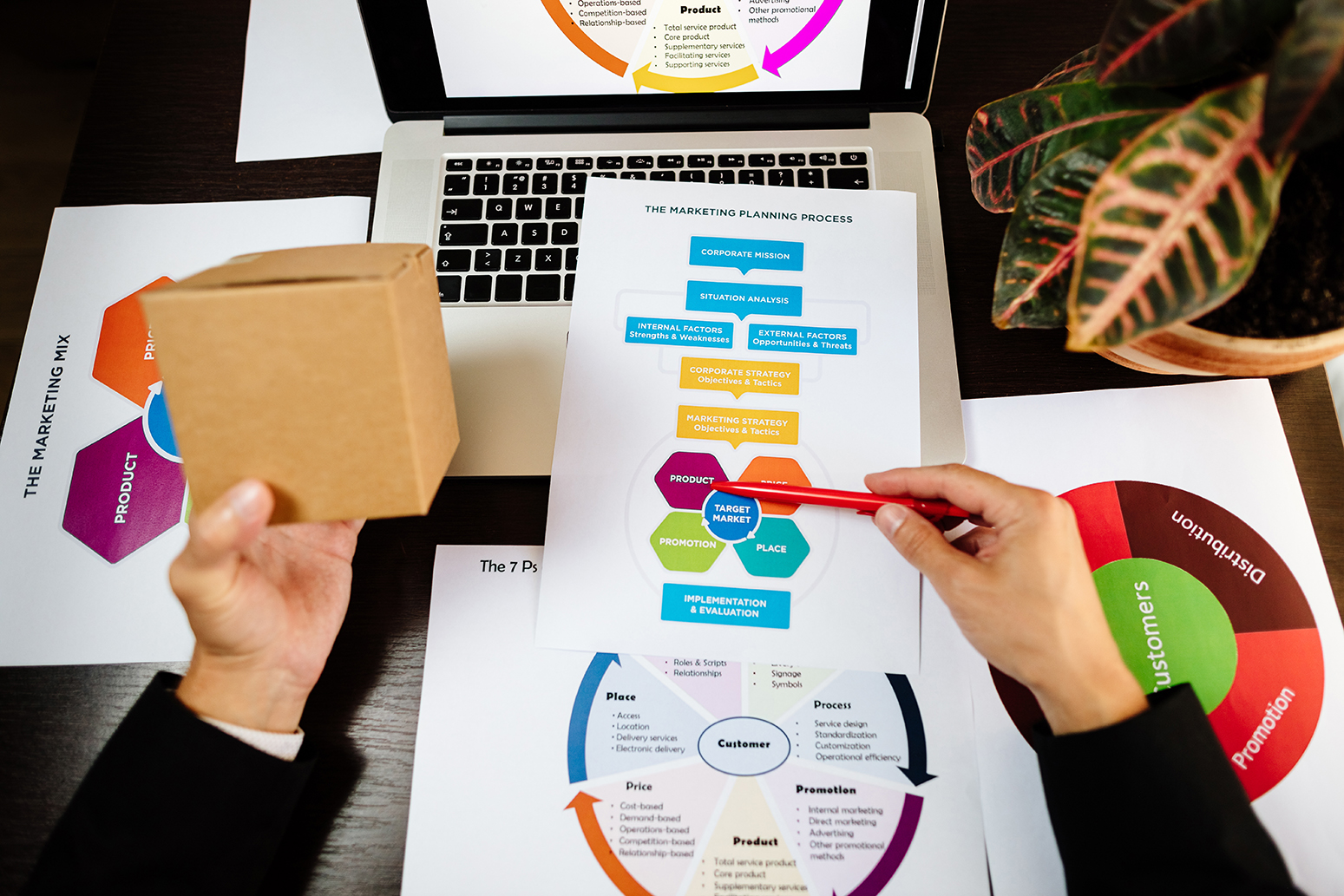
Step 3: Build Your 30-Day Content Calendar Template (10 Minutes)
Open a simple spreadsheet or use a free tool like Notion, Trello, or Google Sheets.Create columns for.
Date
- Platform (Instagram, Facebook, LinkedIn, etc.)
- Content Type (Reel, Carousel, Single Image, Story)
- Content Category (from your list in Step 2)
- Topic/Angle (specific subject of the post)
- Status (Planned, Created, Scheduled, Posted)
Don't overthink the tool. A simple Google Sheet works perfectly. The goal is having one place where you can see your entire month at a glance.
Step 4: Map Out 30 Days Using Your Framework (45 Minutes)
Now comes the actual planning. Set a timer for 45 minutes and fill in your entire calendar.
- Start with posting frequency : For most businesses:
- Minimum : 3 posts per week (12–13 per month):
- Ideal : 5 posts per week (20–22 per month):
- Maximum : Daily (30 per month)
Choose a realistic frequency you can maintain. Consistency beats volume.
Apply the 70-20-10 rule to your month:
- If posting 20 times: 14 educational, 4 engagement, 2 promotional
- If posting 30 times: 21 educational, 6 engagement, 3 promotional
Now fill in each day using your content categories. Here's an example week for a digital marketing agency:
- Monday : Educational post — 3 On-Page SEO Mistakes Killing Your Rankings (Carousel)
- Tuesday Educational post — How to Write Headlines That Get Clicked (Single image + tip)
- Wednesday : Engagement post — Behind-the-scenes of client strategy meeting (Story + Reel)
- Thursday Educational post — Google Ads vs Facebook Ads: Quick Comparison (Infographic)
- Friday Engagement post — Team member spotlight interview (Reel)
- Saturday : Promotional post — Book Your Free Website Audit This Week (Image + CTA)
Notice how each post has a clear category and format. You're not wondering what should I post?—you're following the plan.
For written content
Step 5: Batch-Create Your Content (Separate 2–3 Hour Block)
Once your calendar is planned, schedule a separate block to create all the content at once.
- For written content:
- Write all 30 captions in one sitting (90 minutes)
- Keep a swipe file of successful past posts to reference
- Use a consistent caption structure (hook, value, CTA)
- For visual content:
- Shoot all photos/videos in one session (2 hours)
- Design all graphics at once using Canva templates (2 hours)
- Keep brand colors, fonts, and templates saved for speed
Batching eliminates the mental overhead of switching contexts daily. You enter content creation mode once and knock out everything.
This is where in-house production capability becomes a competitive advantage—consistent content becomes effortless. Learn more aboutwhy consistent visual content wins|in-house-production-visual-content-social-media
Step 6: Schedule Everything in Advance (30 Minutes)
Use free or low-cost scheduling tools:
- Meta Business Suite (free for Facebook + Instagram)
- Buffer (free for 3 channels, 10 posts)
- Later (free for 30 posts per month)
- Hootsuite (paid but powerful)
Upload all your content, add captions, and schedule posts for the entire month. Now you're done. Your content runs on autopilot while you focus on serving customers:

Pro Tips to Make Your Calendar Even More Effective
- Leave room for real-time content Reserve 2–3 slots per month for spontaneous posts—industry news, trending topics, or timely opportunities
- Repurpose content across platforms At the end of each month, note which posts got the highest engagement. Double down on those topics and formats next month.
- Build a content library Save high-performing posts in a folder. When you're stuck for ideas, revisit what's worked before
- Plan themes around key dates Industry events, holidays, or business milestones can anchor your content planning.
For insights on measuring what content actually drives results, check our post on data-driven marketing for small brandsdata-driven-marketing-analytics-small-brandsin-house-production-visual-content-social-media
Real Example: How a Service Business Transformed Social Media With Planning
A Bangalore-based home cleaning service struggled with social media. They posted randomly 1–2 times per week, mostly promotional content asking people to book. Engagement was nearly zero.
We helped them implement this exact 2-hour planning system:
- Month 1 Results:
- Posted 22 times consistently (up from 6–8 random posts)
- Applied 70-20-10 framework (15 educational, 5 engagement, 2 promotional)
- Engagement rate jumped from 0.8% to 4.2%
- Inquiry messages increased from 2–3 per month to 11
- What they posted:
- Educational: Cleaning tips, product recommendations, how-to videos
- Engagement: Staff spotlights, before/after transformations, customer thank-you posts
- Promotional: Limited-time offers, referral program
The content itself wasn't revolutionary. The consistency and framework made all the difference.
Conclusion
Planning 30 days of content doesn't require creativity every single day. It requires one focused 2-hour session with a proven framework.
Here's your action plan:
- 1. Define 3–5 content pillars for your business (15 min)
- 2. Choose 10–12 content categories from the proven list (20 min)
- 3. Build your simple calendar template (10 min)
- 4. Map out 30 days using the 70-20-10 rule (45 min)
- 5. Batch-create content in separate blocks (2–3 hours)
- 6.Schedule everything in advance (30 min)
Do this once a month and you'll never scramble for content again. Your social media becomes consistent, strategic, and effective—without consuming your entire day.
Ready to build a complete social media strategy that drives actual business results? Swastixa Digital helps businesses create content calendars, produce high-quality visuals, and manage posting so you can focus on running your business. Let's build your content system. [Add link to Contact page]
You May Also Like
For broader strategy context, revisit our guide on building a 360° digital marketing strategy.
Social Media Management Playbook for Local Businesses in India (2025 Edition)
Explainer Videos, Reels, or Carousels: Which Format Works Best for Your Brand Story?
Power of In-House Production: Why Consistent Visual Content Wins on Social Media
Frequently Asked Questions